Questions, answered.
What is ironpet?
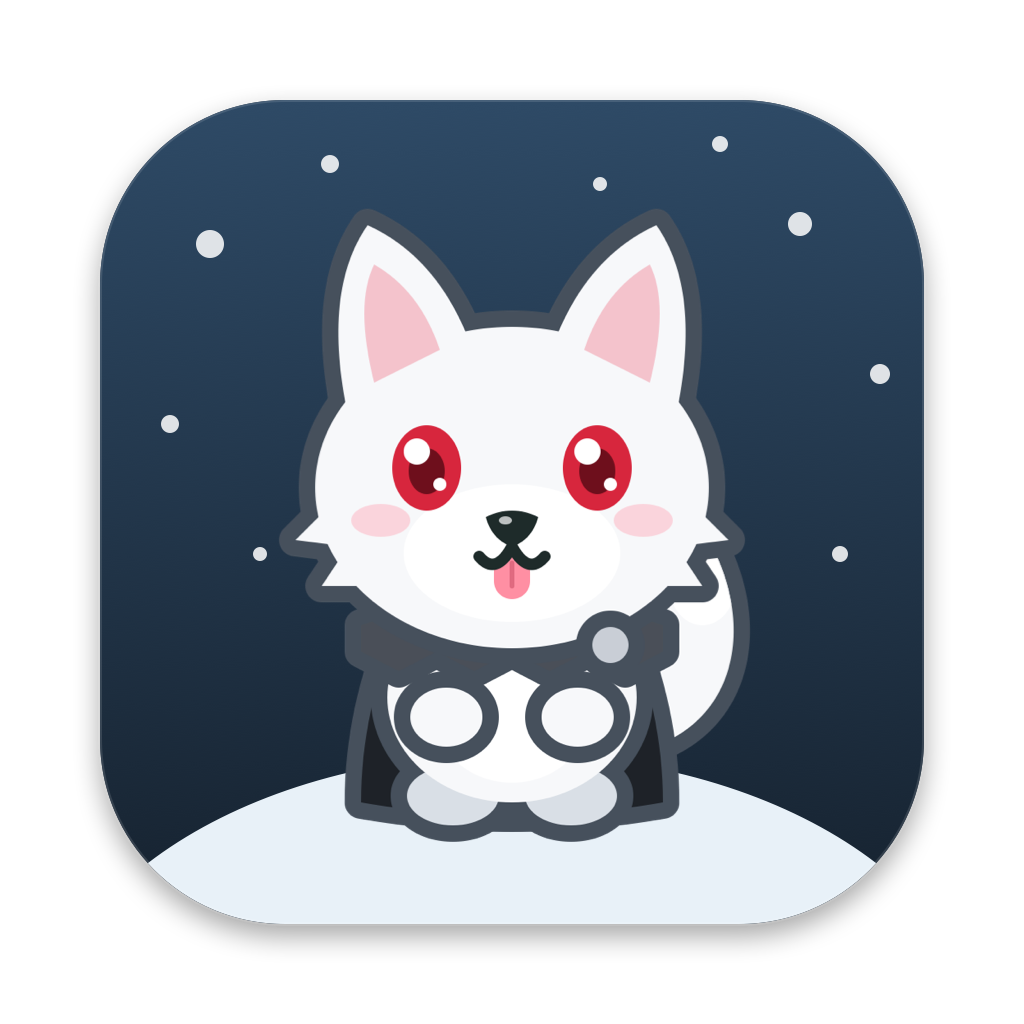
ironpet is a desktop pet for macOS. Ghost, a small direwolf in a Night's Watch cloak, floats above your windows, shows what your coding agents are doing, asks you before they run commands, and opens a chat with them when you click him.
Which coding agents does it work with?
Ghost watches Cursor (IDE and CLI), Claude Code, Codex, Gemini CLI, GitHub Copilot and Pi. The chat works with Cursor, Claude Code, Codex, Gemini CLI, OpenCode and any other agent from the ACP registry that you have installed.
Does it need API keys, and what does it cost?
ironpet is free and open source under the MIT license. It has no API keys of its own: chat goes through the sign-in your agents already have, so it uses your existing Cursor or Claude Code account.
Is my data private?
ironpet keeps its data in ~/.ironpet on your Mac, and its local server listens only on 127.0.0.1 with a token. Your chat messages go to the agent you picked and its model provider, just as if you used the agent directly. Features that would send data elsewhere, such as voice, Telegram and the iPhone connection, are off by default.
Does ironpet send anything over the network?
On its own, a release build checks GitHub once a day for updates, which you can turn off. Everything else happens only if you turn it on or ask for it: GitHub and Sentry alerts, voice features, Telegram, the iPhone connection, the speaker recognition models and a one-time Bun download. SECURITY.md lists each request.
Which Macs does it run on?
ironpet needs macOS 14 or later. The DMG download and the Homebrew cask are built for Apple Silicon only. On an Intel Mac, clone the repository and build it with ./scripts/install.sh.
Can an agent run commands without asking?
Yes, if the agent is set up that way. The agent decides when to ask for permission, and ironpet shows a card for every request it receives but cannot force an agent to ask. Check each agent's own permission settings, such as its mode or allow-list, before you rely on the cards.
Will it slow down my Mac or block my agents?
No. The hooks that report agent status never block an agent: they have a one-second timeout and always succeed.
How do I move Ghost?
Drag him. He stays where you leave him.
Can I change the pet?
Yes. Open Settings, then General, then Pets, to rename him or pick one of six bundled pets: Ghost, Mochi the mint wolf, a hamster, a panda, a bunny and a cat. You can also add your own sprite sheet, or click Build a new pet to have your agent draw one.
Does it work on iPhone?
Yes. Install the IronPet app from TestFlight and pair it in Settings, then Devices on the Mac. The phone can show Ghost, chat, answer approvals and show your Inbox, agents and alerts, and it talks only to your Mac over your Wi-Fi or Tailscale.
How do updates work?
The DMG and Homebrew builds check GitHub once a day and install a newer release in the background when no agent turn, voice note or meeting recording is running. You can turn either step off in Settings, then General, then Updates. A build from install.sh never updates itself; run the script again to update.
How do I uninstall it?
With Homebrew, run brew uninstall --cask ironpet, adding --zap to delete its preferences too. From the DMG, quit ironpet, run /Applications/IronPet.app/Contents/MacOS/IronPet --uninstall to remove its hooks and login item, then drag the app to the Trash; the Uninstall page lists the rest. From a clone, run ./scripts/uninstall.sh.