Introducing ironpet
Ghost is a small desktop pet for macOS that watches your coding agents, asks before they run commands, and chats with them for you.
Most of my coding now happens through agents. I start a task in Cursor, another in Claude Code in an iTerm tab, and then I go and do something else while they work. That part is great. The part that isn't great is coming back twenty minutes later to find that one of them finished in the first two minutes, and another has been sitting there the whole time waiting for me to approve a command.
Agents run in the background, and the background is exactly where you stop paying attention. I wanted something that sat on my screen, stayed out of the way, and told me when an agent needed me. So I built ironpet.
Meet Ghost
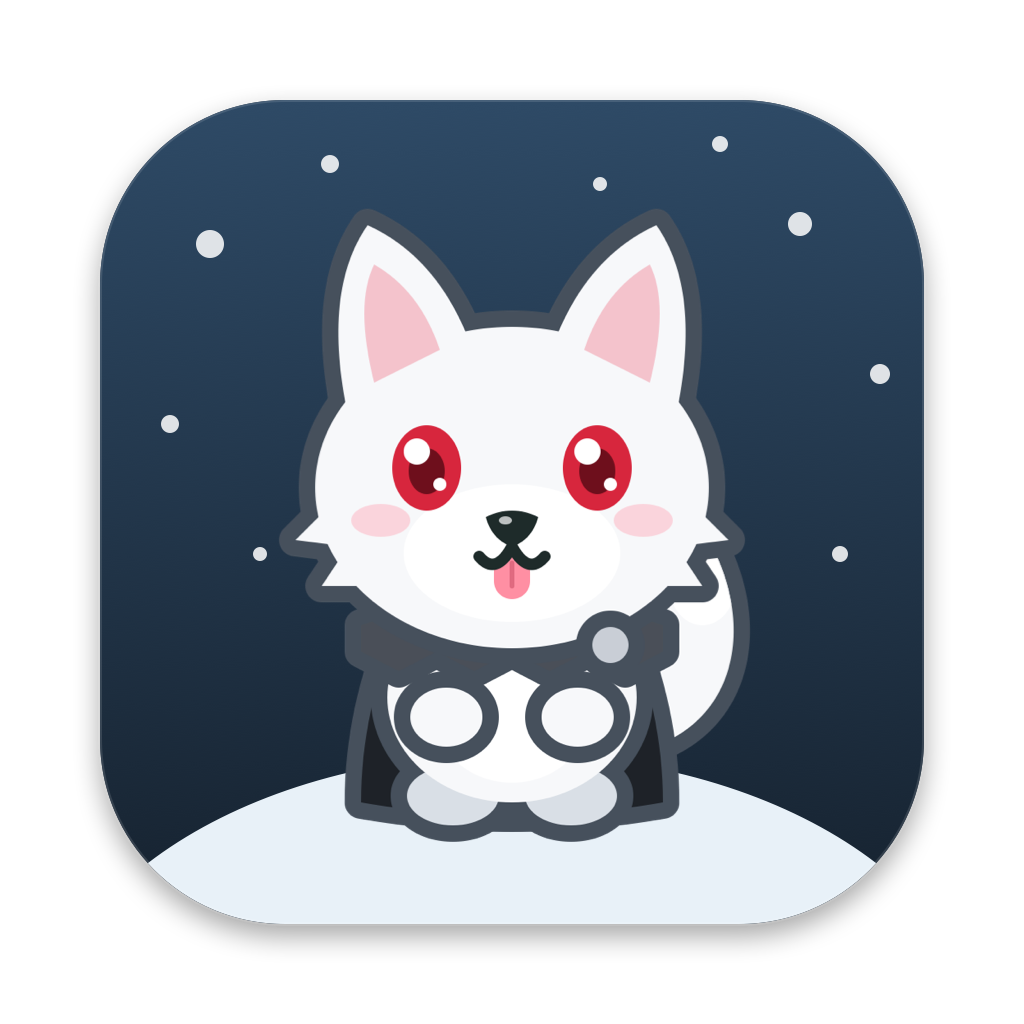
ironpet puts Ghost on your desktop: a chibi white direwolf in a Night's Watch cloak who floats above your windows and reacts to what your agents are doing. Here's what he does today.
He watches your agents. Cursor (IDE and CLI), Claude Code, Codex, Gemini CLI, GitHub Copilot and Pi report to him through hooks. Ghost shows the most urgent state across your sessions, whether something needs input, failed, finished or is still working, with a count badge. A speech bubble next to him gives a one-line summary of what the agent did. Clicking a session jumps to its iTerm tab or opens its folder in the app that started it.
He asks before commands run. Click Ghost or press ⌥⌘G and a chat opens that talks to your coding agent over the Agent Client Protocol, in your current project. When the agent asks for permission to edit a file or run a command, you get an Allow or Deny card, in the chat or right in Ghost's bubble. ironpet doesn't invent its own rules here. It shows exactly what the agent asks, with the agent's own options, and the agent's own permission mode decides what it asks about.
He remembers. Chats are saved and can be reopened. When a chat goes quiet, Ghost saves the lasting facts about you, your projects and the people you work with, and every new chat starts with them. You can see and edit every page he keeps in the Memory section.
He keeps an Inbox. Action items from your meetings, and things your watchers or agents find, wait in the Inbox until you mark them done or remove them.
He reminds you. Drink water, stretch, rest your eyes, counted only while you're at the keyboard, and nudged a little early while an agent is working so you take the break while you'd be waiting anyway. Ghost drinks or stretches along with you. These are ordinary automations, so you can ask your agent to add scheduled jobs and watchers too, like PR and CI alerts.
He's on your iPhone. Pair a phone in Settings and you can see Ghost, chat, answer approvals and check your Inbox away from the Mac. The phone talks only to your Mac, over your Wi-Fi or Tailscale.
There's more, including voice, screen help and meeting transcripts, and most of it is off until you turn it on.
Local and open source
ironpet runs on your Mac and keeps its data in ~/.ironpet. It has no API keys of its own: chat goes through the sign-in your agents already have, so there's nothing extra to pay for. Every feature that would send something off your Mac, such as voice, alerts, Telegram or the iPhone connection, is off by default, and SECURITY.md lists everything ironpet reads and writes.
It's open source under the MIT license.
Getting it
ironpet needs macOS 14 or later and at least one signed-in coding agent. On an Apple Silicon Mac, download the DMG from the GitHub Releases page, or install it with Homebrew:
brew install --cask irtazahashmi/ironpet/ironpet
On an Intel Mac, clone the repository and run ./scripts/install.sh to build it from source.
On first launch, a welcome window asks what Ghost may do, and nothing outside ~/.ironpet changes until you press Start.
What's next
This website is the first step. The docs here on ironpet.ai cover installing, every feature and the full configuration, in smaller pieces than the README. If something is unclear or missing, open an issue on GitHub.